






Help Desk
Capnis Help Desk is a centralized customer support solution that enables organizations to manage service requests, incidents, support tickets, and customer communication efficiently while improving service quality and response times.
Capnis Infotech, Navalur, Chennai
Information Technology, Telecommunications, Legal and 7 more
2nd Floor, Beta Block, Alpha City IT Park, No. 25, Rajiv Gandhi Salai, SSPDL, Navalur, Chennai, Tamil Nadu, 600130, India
+91 773 3030 773
Scoped estimate
What you can configure
These are the product areas available in the estimate wizard. Selecting a module on this page is not required — use Get estimate to pick screens.
inventory
Ticket Management
Knowledge Base
Customer Support Portal
Agent Dashboard
Workflow Automation
Analytics and Reporting
Integration
14 modules are listed for Help Desk. The remaining modules appear in the estimate form.
What powers this product
Zendesk

A leading cloud-based help desk software, streamlining customer support with ticketing, live chat, and knowledge base solutions.
HubSpot

An integrated CRM platform offering robust customer relationship management, marketing automation, and sales tools for businesses.
Tableau

Powerful data visualization and analytics software, enabling organizations to turn data into actionable insights and drive informed decision-making
Html

The foundational markup language for structuring web pages. It defines the layout, elements, and content on a webpage.
Css

A stylesheet language that controls the presentation of HTML elements. CSS allows for design customization, including colors, fonts, and layouts.
Sass

A CSS preprocessor that extends CSS with variables, nested rules, and functions. It enhances CSS coding efficiency and organization.
Javascript

A versatile programming language that adds interactivity to websites. It's used for dynamic content, animations, and enhanced user experience.
Ajax

A technique for asynchronous data exchange between a server and client. It enables dynamic content updates without page reloads.
Jquery

A fast, small, and feature-rich JavaScript library. It simplifies HTML manipulation, event handling, and AJAX interactions.
Bootstrap

A popular CSS framework for building responsive, mobile-first websites. It offers pre-built components and grid layouts.
Laravel

A powerful PHP framework with elegant syntax for building robust applications. It simplifies tasks like routing, authentication, and database management.
React Js

A JavaScript library for building fast, interactive user interfaces. It uses a component-based architecture for reusability and efficiency.
Vue Js

A progressive JavaScript framework for building UIs. Vue is lightweight and flexible, suitable for both small and large-scale projects.
MySQL

An open-source relational database management system. It's widely used to store and manage data for web applications.
Product features

Ticket Management
Organizes customer requests in a centralized dashboard, allowing agents to track, assign, and resolve issues efficiently.

Self-Service Portal
Provides a knowledge base, FAQs, and troubleshooting guides, empowering customers to find solutions independently.

Automated Workflows
Uses predefined rules to automate ticket routing, notifications, and escalations, reducing manual intervention

Multi-Channel Support
Enables communication via email, live chat, phone, and social media for a seamless customer experience
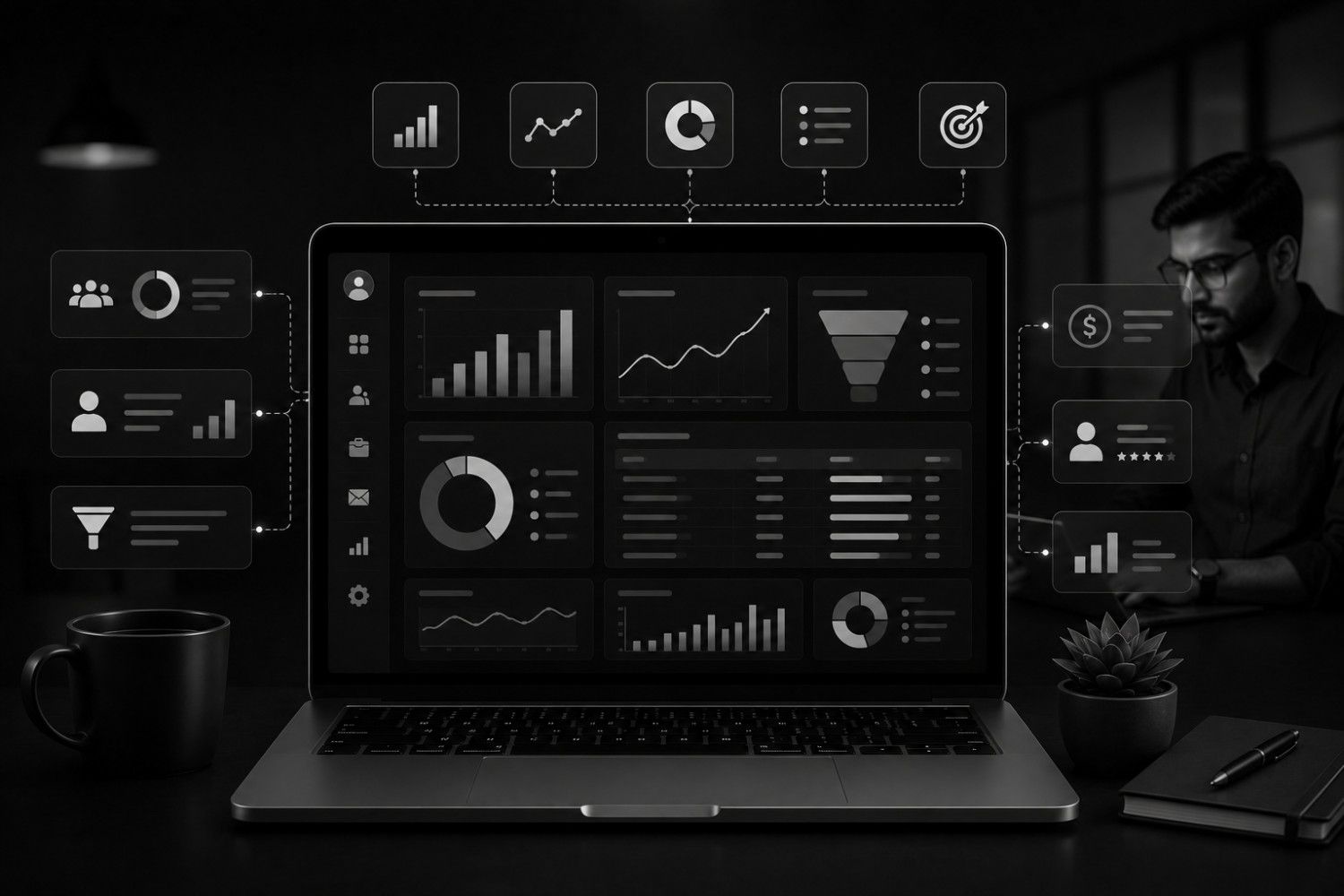
Reporting & Analytics
Tracks key metrics such as ticket volume, resolution time, and customer satisfaction to improve support performance.
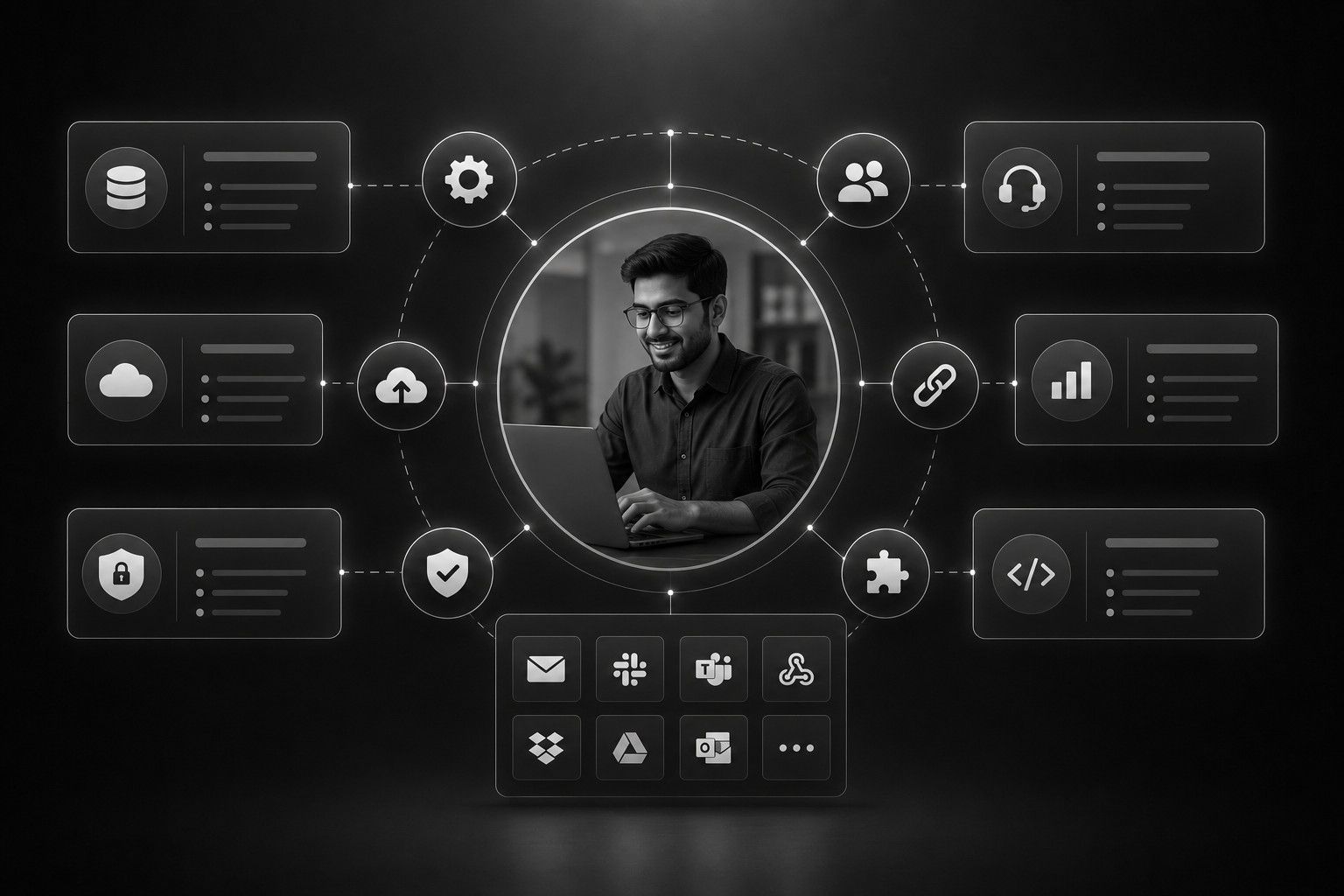
Integration Capabilities
Connects with CRM systems, e-commerce platforms, and other third-party applications for streamlined operations.
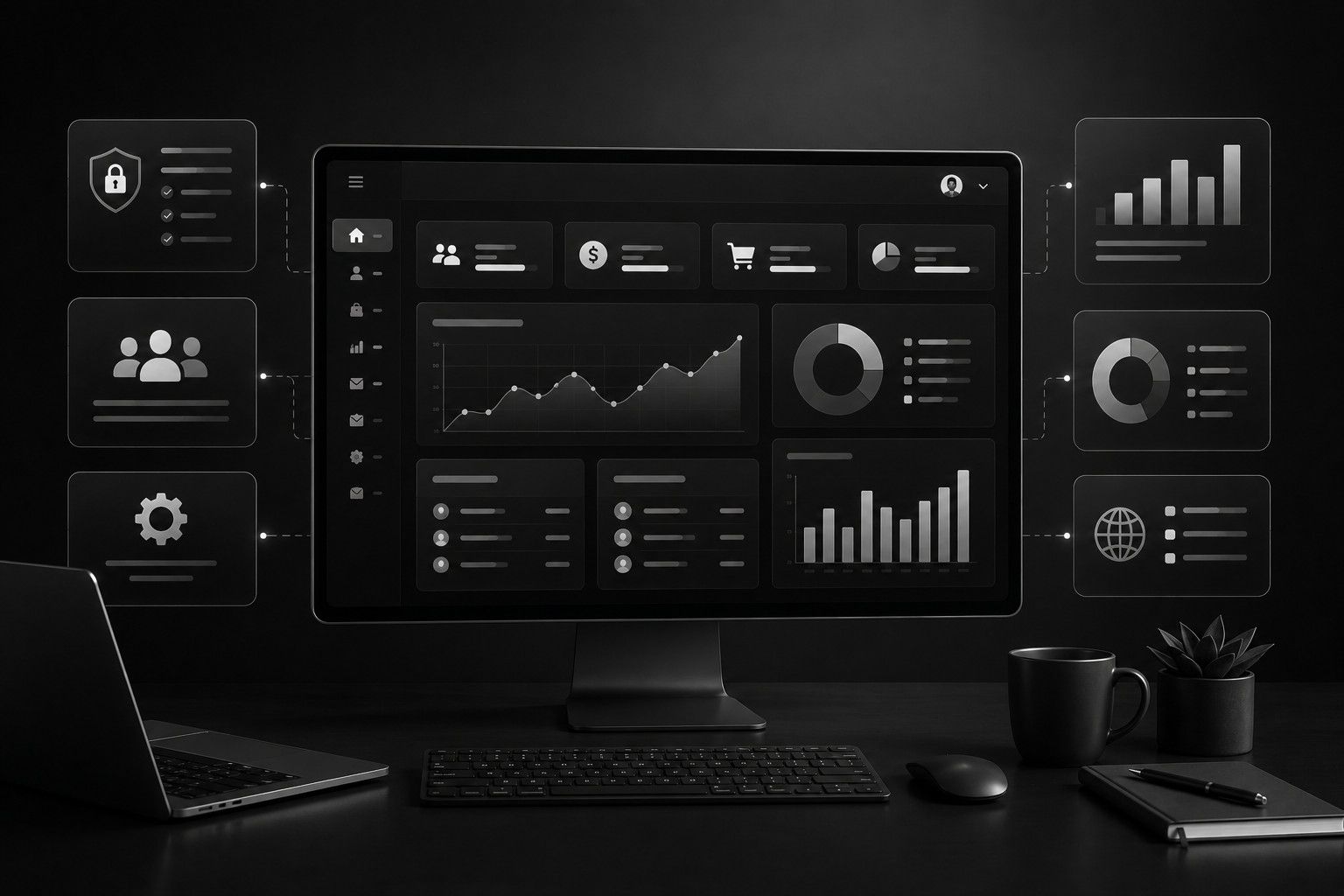
Agent Dashboard
Provides a user-friendly interface for agents to manage and prioritize tickets efficiently.

Collaboration Tools
Allows internal notes, ticket sharing, and escalations for improved team coordination
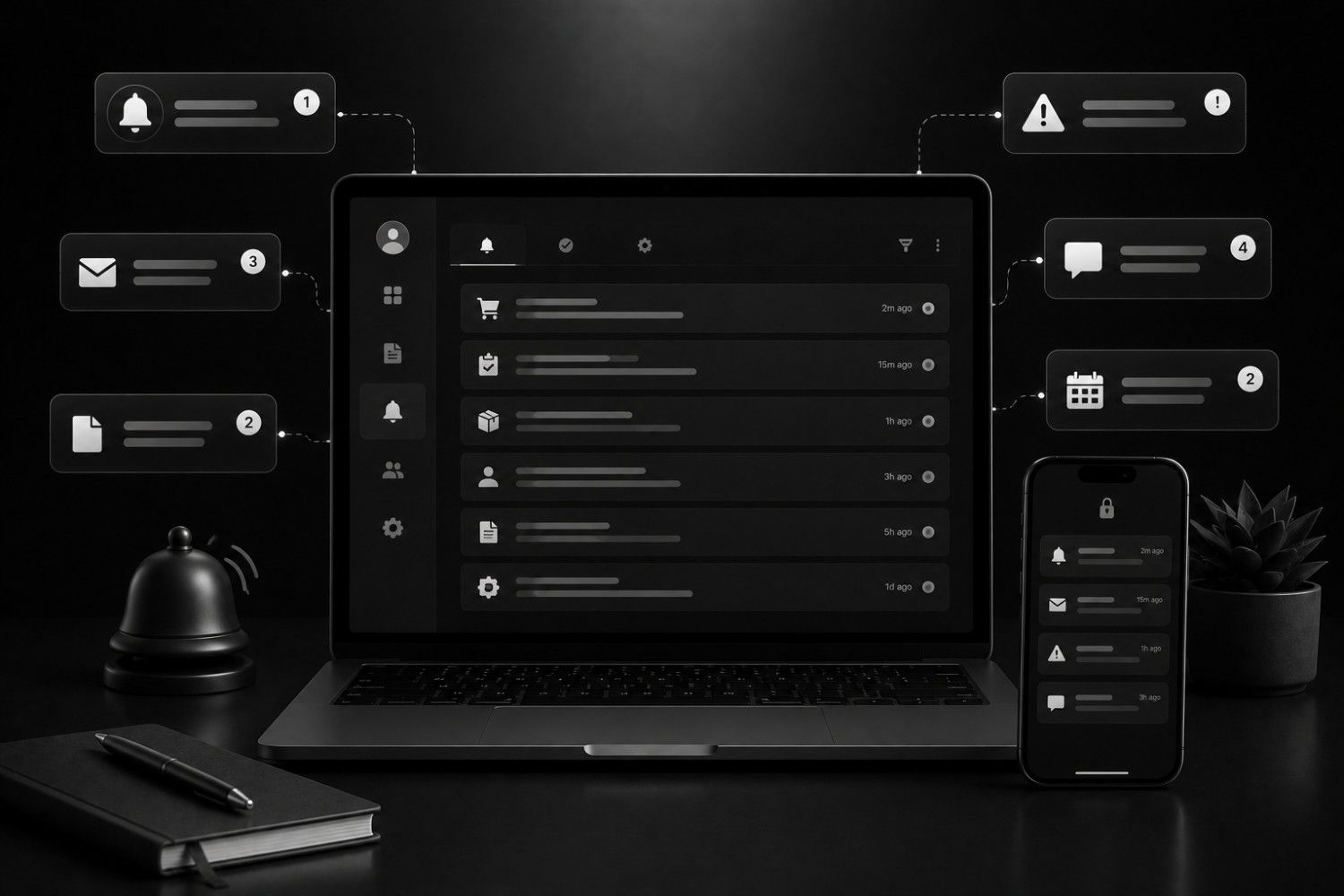
Notification
Sends real-time updates to customers and agents regarding ticket status and responses
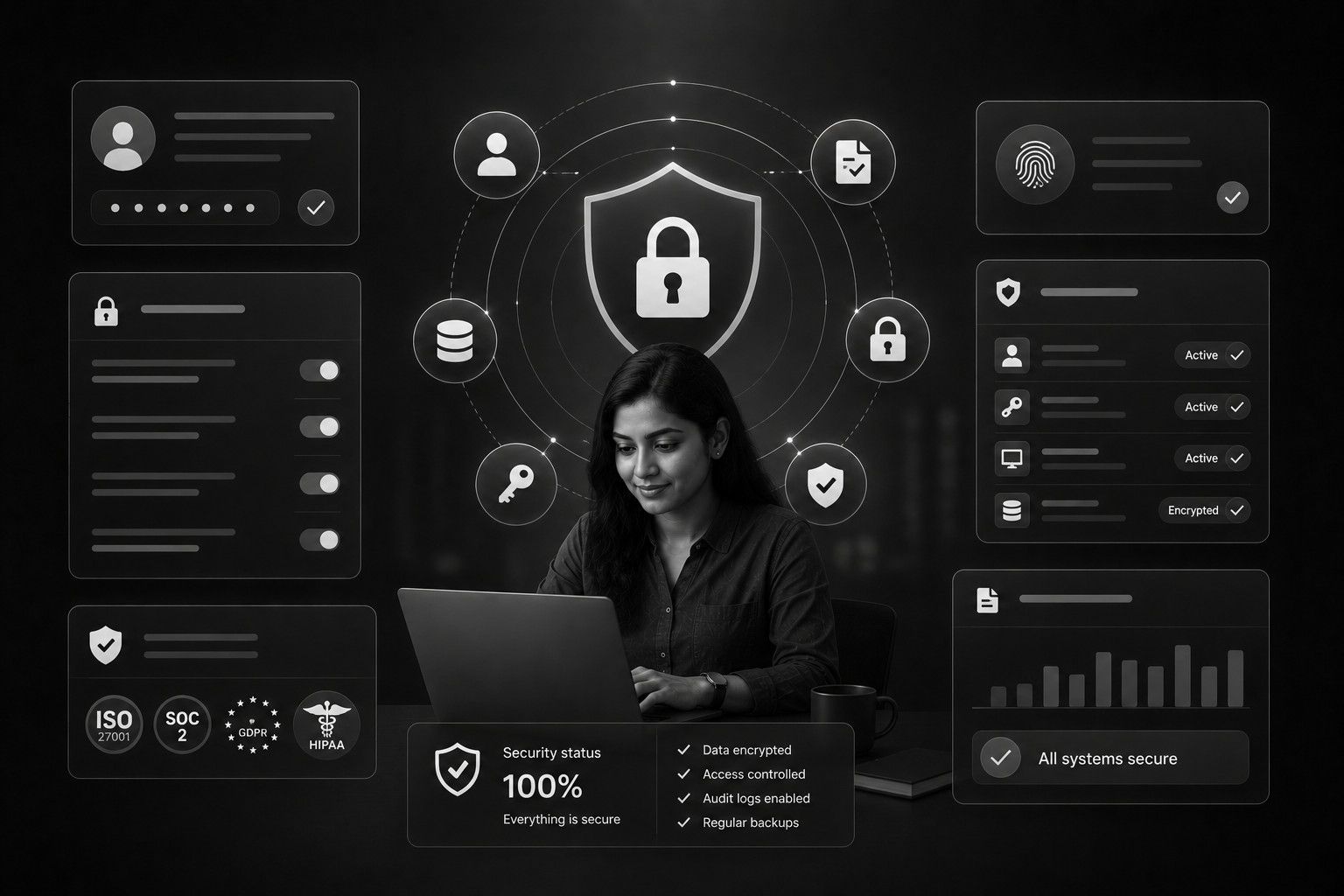
Security & Compliance
Ensures safe handling of customer data with encryption and adherence to privacy regulations.
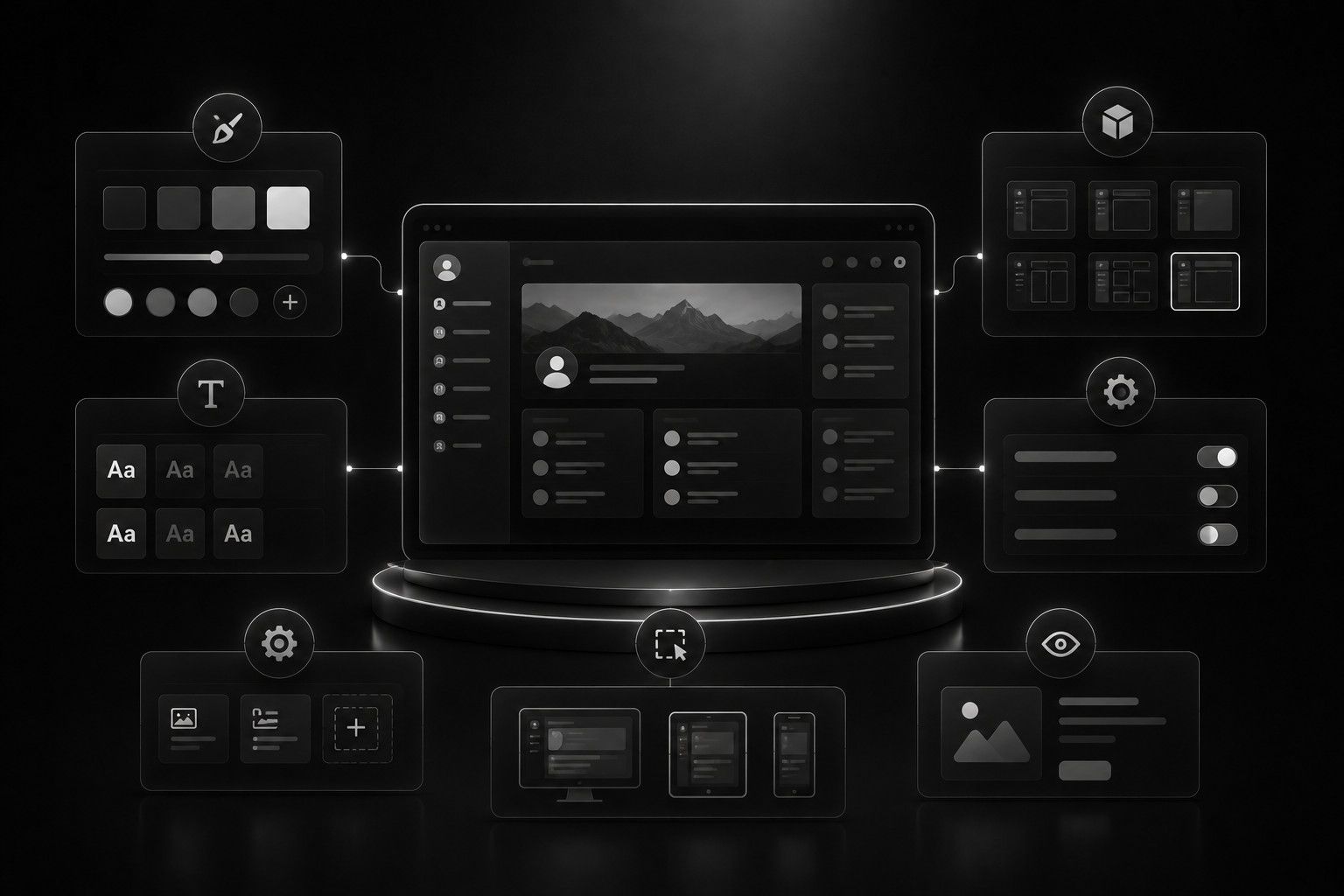
customization Options
Allows businesses to configure branding, ticket categories, workflows, and automated responses.

Customer Feedback & Surveys
– Collects ratings and feedback post-resolution to gauge satisfaction and enhance service quality
Inside the product
Help Desk
Help Desk
Try it in the browser
Questions about this product
Capnis Infotech's Help Desk software is built using PHP - CodeIgniter with Bootstrap, ensuring a reliable and user-friendly interface.
A Help Desk typically handles customer inquiries through a ticketing system where customers submit their issues or requests. These tickets are then assigned to support agents who work on resolving them. Some Help Desks also offer live chat, email, phone support, and social media integration for multi-channel communication.
Absolutely! You can modify workflows, customize ticket categories, and integrate third-party applications for a seamless support experience
Yes, we provide free installation support to ensure a smooth setup process.
Yes, we guarantee bug resolution for any issues originating from our system at no extra cost.
Yes, purchasing our Help Desk software gives you lifetime free updates to maintain optimal performance
Yes, it fully supports RTL direction, making it accessible for multilingual customer support.
Our Help Desk software integrates with various payment gateways like PayPal, Stripe, Razorpay, and PhonePe for seamless transactions.
o Ticket categories and workflows
o Branding, logos, and UI elements
o Automated responses and escalation rules
o Knowledge base content and support documentation
o Ticket categories and workflows
o Branding, logos, and UI elements
o Automated responses and escalation rules
o Knowledge base content and support documentation
What teams say
“I've been using our company's Help Desk system for several months now, and I'm incredibly impressed with its efficiency and ease of use. The ticketing system makes it simple to track and prioritize customer inquiries, while the knowledge base empowers users to find solutions on their own. It has definitely streamlined our support processes and improved our overall customer satisfaction.”

Scope Help Desk
Tell the Navalur team which modules and screens you need. The estimate is indicative until discovery.
Hotel Management System
Hotel Management System simplifies hotel operations by managing reservations, guest check-in, room allocation,...
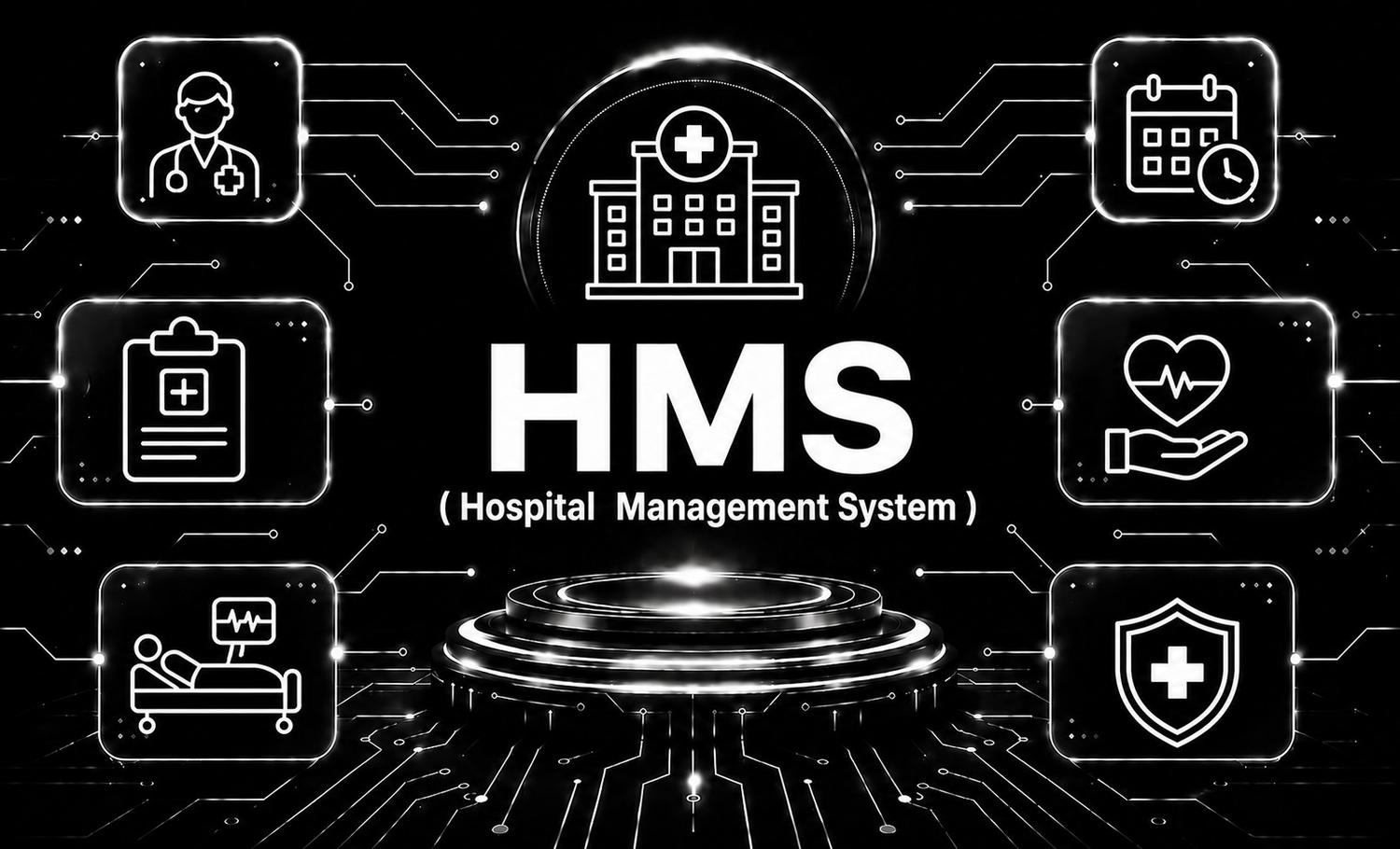
HMS-Hospital management System
Hospital Management System (HMS) is an integrated healthcare solution that streamlines patient care, appointme...

Learning management system
Learning Management System (LMS) is a modern e-learning platform that enables organizations and educational in...