



Hello there!

Capnis helps teams ship digital products with clarity, craft, and momentum.

Follow us

Navigating Service Desk Support

Service Desk

Explore product
Home Products Operations Management Service Desk
Service Desk
Overview

Built for teams who need clarity and speed

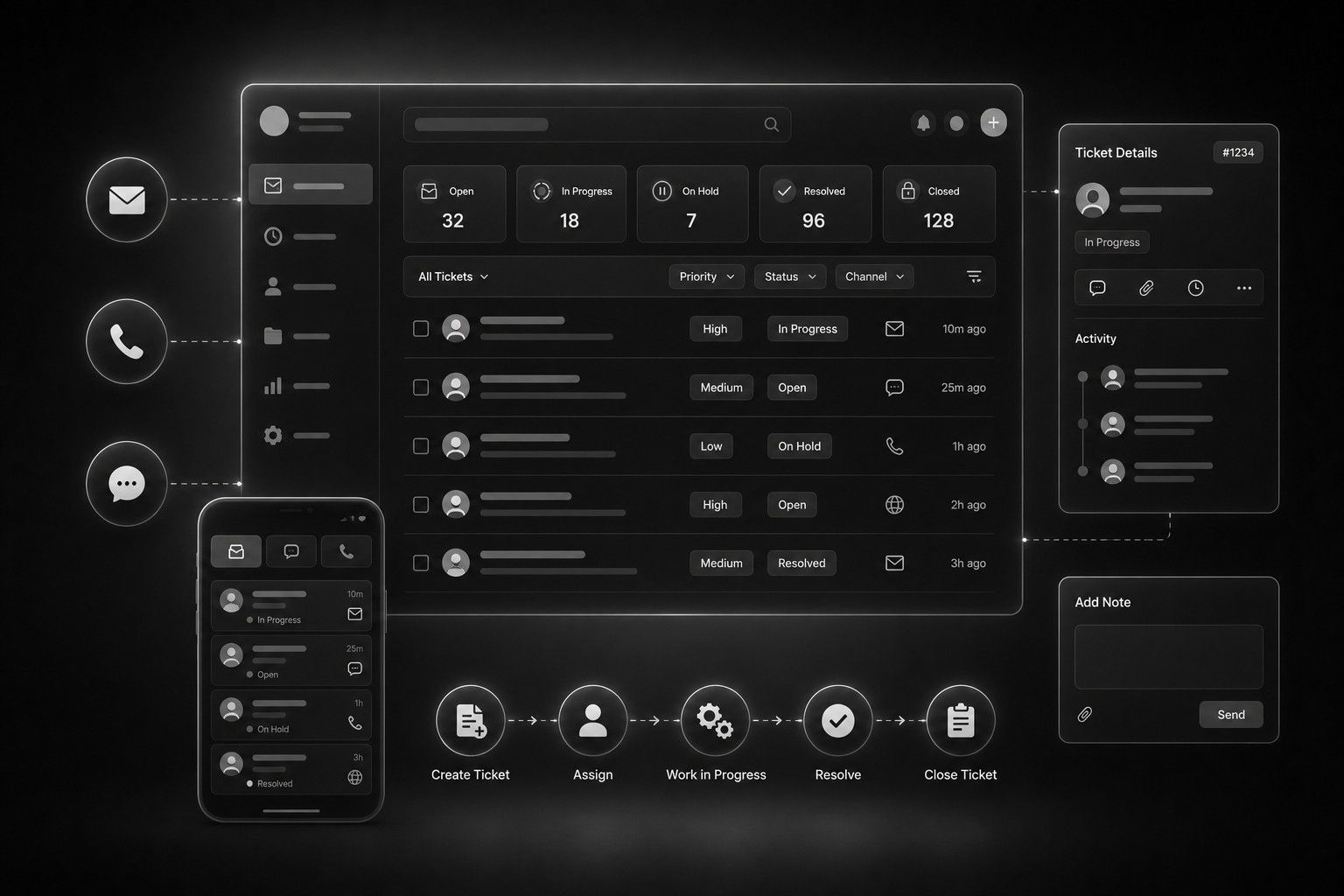
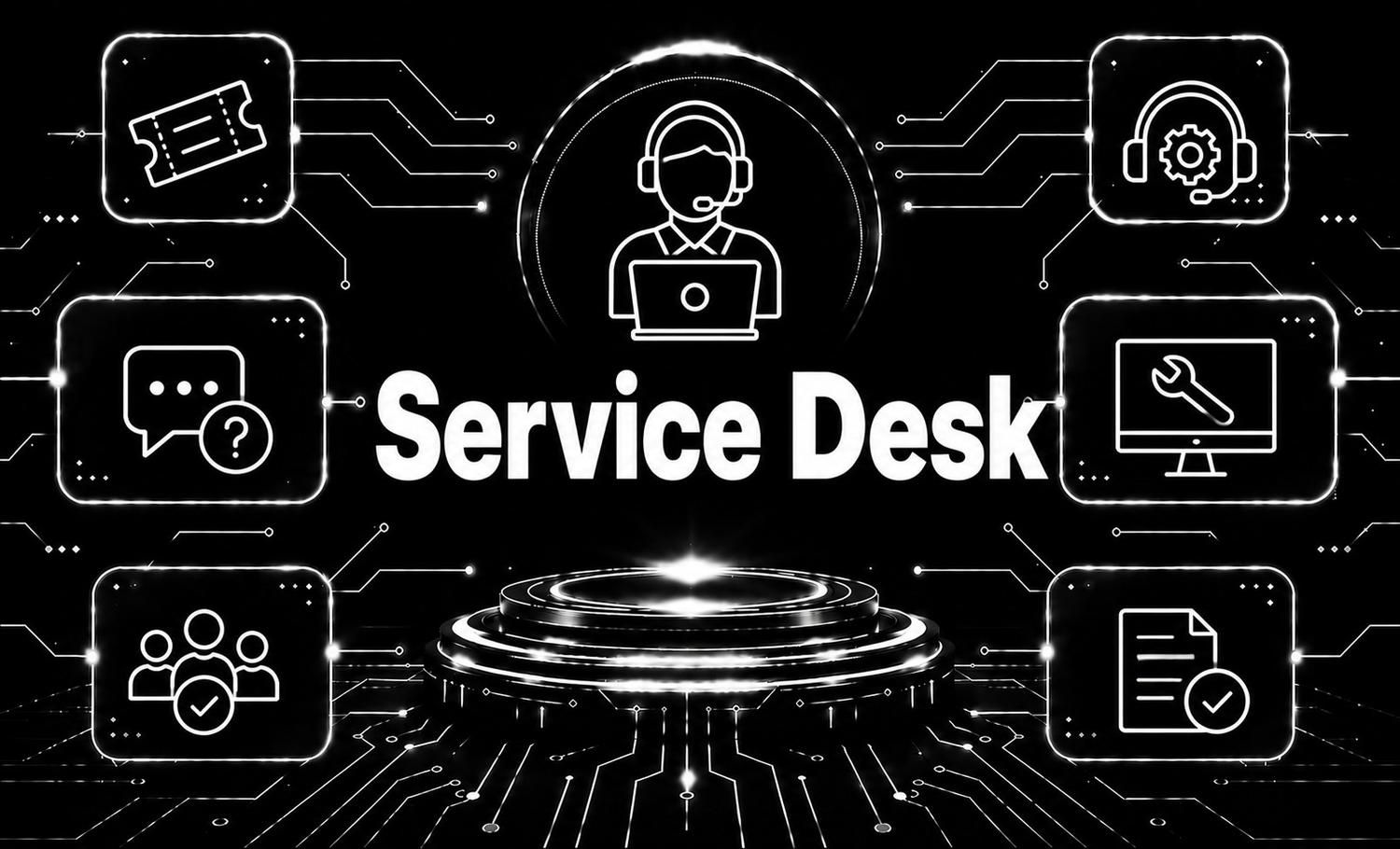
The service desk serves as the frontline support for users seeking assistance with IT issues within an organization. Operating as the central point of contact, service desk agents are responsible for promptly addressing user inquiries, resolving technical problems, and ensuring the smooth operation of IT services. Effective service desk operations rely on streamlined processes, clear communication, and a commitment to delivering exceptional customer service. By leveraging tools and technologies for incident management, problem resolution, and knowledge sharing, service desk teams can enhance user satisfaction and contribute to the overall success of the organization.

0+

Deployments
supported

0/7

Engineering
coverage

0+

Major releases
per year

Technology

What powers this product

01

Jira Service Management

Jira Service Management

Jira Service Management streamlines service desk operations with intuitive ticketing, robust knowledge base management, and seamless collaboration tools. It empowers teams to deliver exceptional support experiences while maintaining efficiency and scalability.

02

SharePoint

SharePoint

SharePoint is a versatile platform designed for collaborative document management, intranet creation, and workflow automation. It empowers teams to securely store, organize, and share information, fostering collaboration and productivity across the organization. With SharePoint, businesses can streamline processes, enhance communication, and access critical resources from anywhere, on any device.

03

Zabbix

Zabbix

Zabbix is a powerful open-source monitoring solution offering real-time visibility into the performance and health of IT infrastructure and services.

Capabilities

Product features

Ticketing System
01

Ticketing System

Allows users to submit requests or issues, assigns tickets to agents, and tracks their progress through resolution.
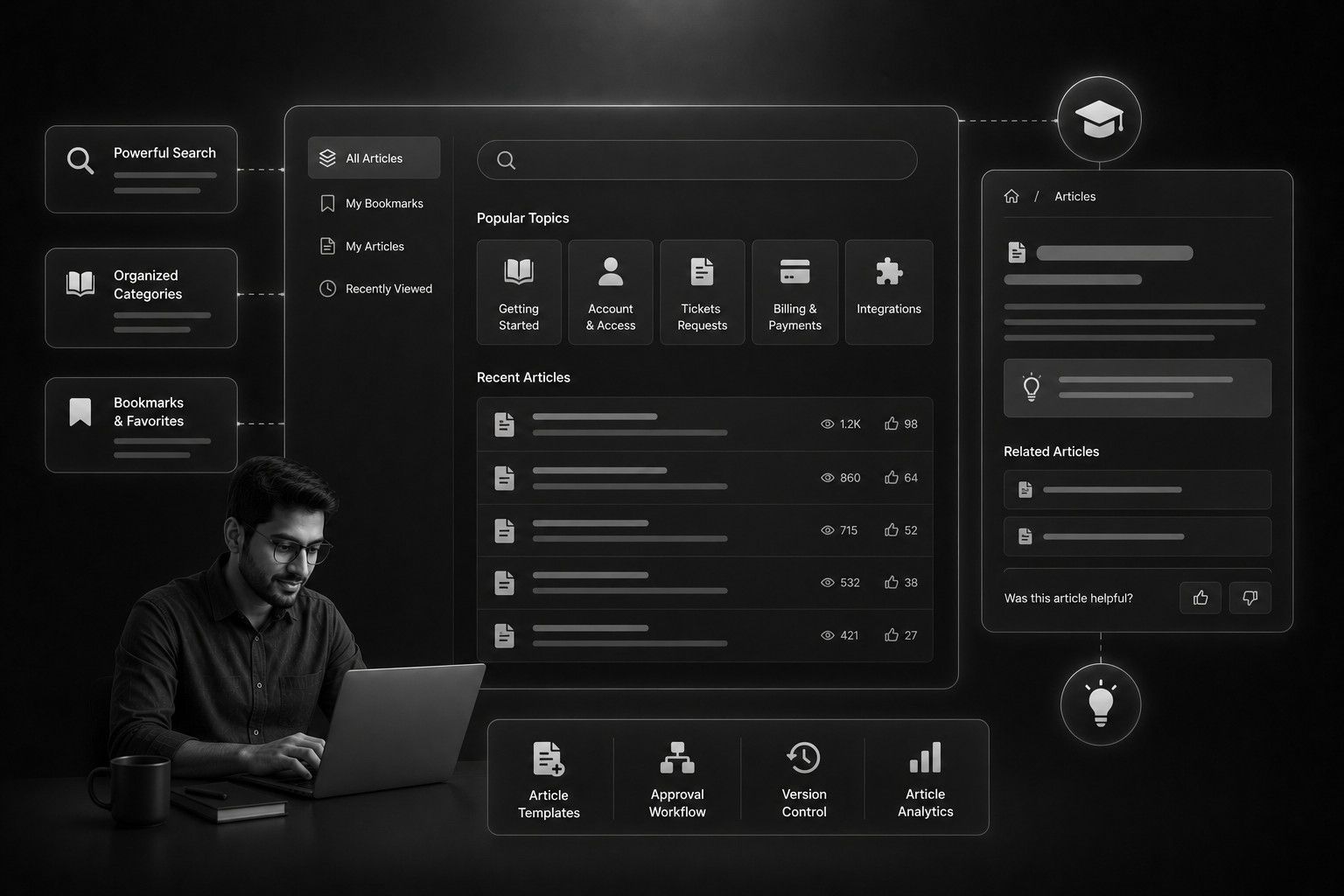
Knowledge Base
02

Knowledge Base

Stores solutions to common issues, FAQs, and troubleshooting guides for easy access by both agents and users.
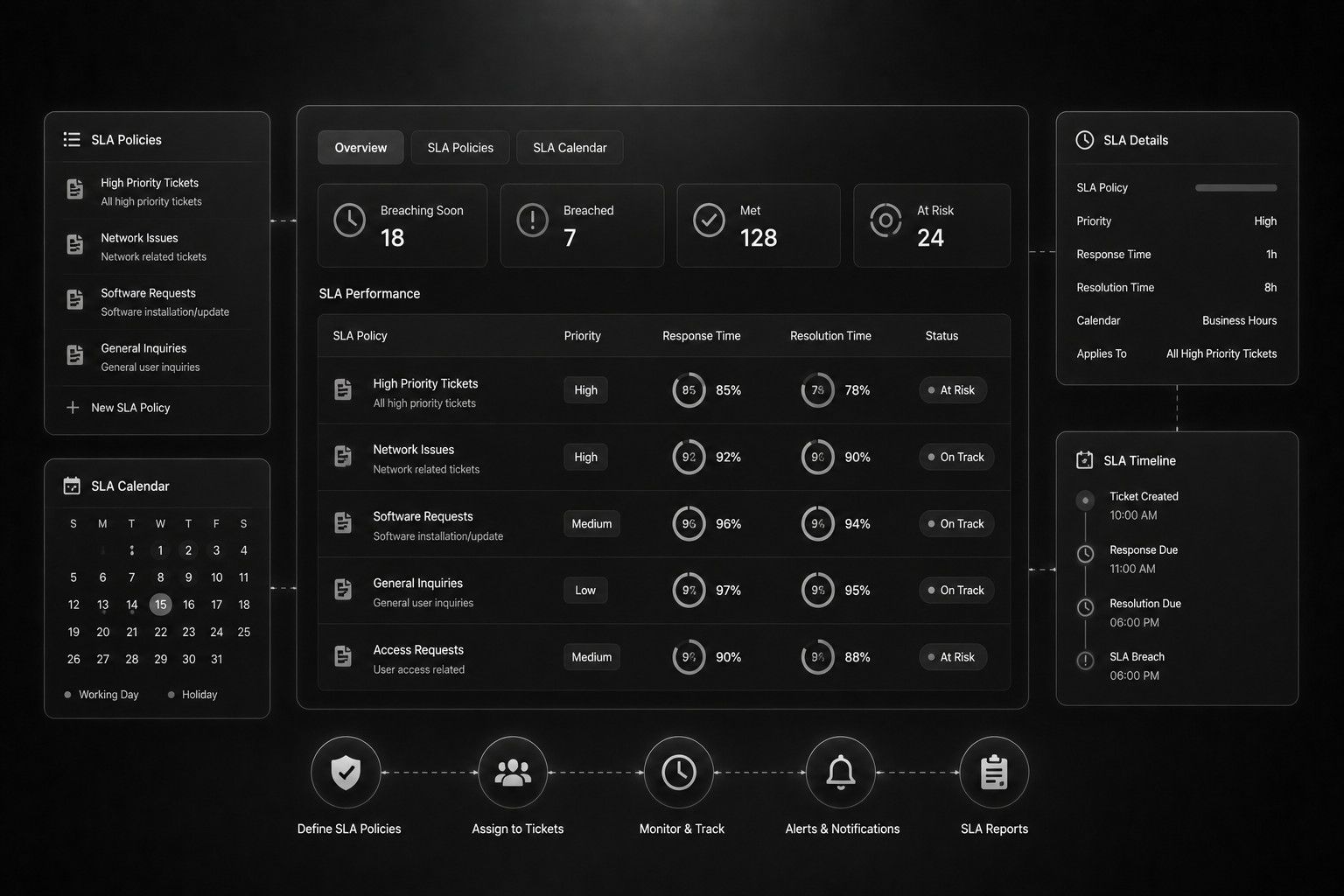
SLA Management
03

SLA Management

Enables the definition and monitoring of service level agreements (SLAs) to ensure timely resolution of tickets and adherence to performance targets.

Gallery

Inside the product

Service desk

Live demo

Try it in the browser

Service desk

Open demo

URL: https://capnis.com/

Email: servicedesk@gmail.com · Password: 123456

FAQ

Answers before you buy

Our service level agreement (SLA) typically dictates our response times. For non-urgent issues, you can expect a response within [X] hours during business hours.

You can check the status of your ticket by logging in to the service desk portal and navigating to the "My Tickets" section. There, you'll find the current status and any updates on your ticket.

Our service desk supports a wide range of IT-related issues, including software and hardware problems, network connectivity issues, account access issues, and more.
Social proof

What teams say

“TechHelp Pro Service Desk has been an absolute lifesaver for our team. Their swift response times, knowledgeable support staff, and user-friendly portal have made IT issues a breeze to handle.”

TechHelp Pro Service Desk Customer
Pricing

Get your estimate

A guided, three-step builder: your context, product modules, then granular screens. Totals update live from your selection.

01 Context Contact & scope
02 Modules Product areas
03 Screens CRUD & custom

Your details & delivery context

Step 1 of 3

We use this to route your request to the right solution engineer. Fields marked * are required.


Delivery preferences (optional, helps us scope faster)

Next: pick the product modules you care about.

Continue to modules

Choose modules

Step 2 of 3

Toggle entire product areas. Deselecting a module hides its screens in the next step.

Screens (CRUD) & custom work

Step 3 of 3

Each tick is a billable screen. “Customize” adds a note for engineering review and adjusts the estimate.

sales
Incident Management
Request Management
Knowledge Base
Problem Management
Change ManagementChange Management
Asset Management
Configuration Management Database
Service Level Agreement
Ticketing System
Multi-Channel Support
Reporting and Analytics
Automation and Workflow Management
Customer Portal
Remote Support
Employee Onboarding and Offboarding
Service Catalog

Indicative total (ex-GST, subject to discovery)

8,320.00 ₹
Back

You’ll receive a confirmation and our team typically responds within one business day.