




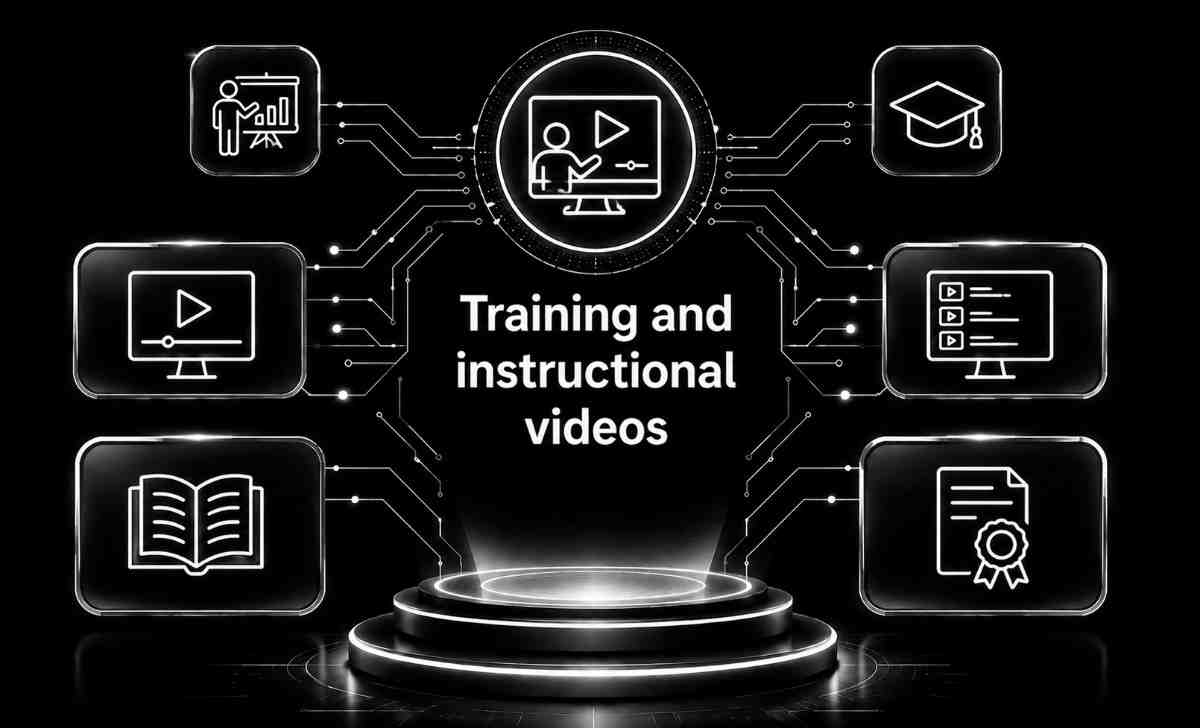
Training and instructional videos
Training and instructional videos focus on creating clear, informative, and easy-to-follow content that teaches viewers how to perform tasks, understand systems, or learn new skills. These videos break down complex information into structured steps using visuals, voiceovers, on-screen text, and demonstrations to enhance comprehension and retention.
The process includes planning content flow, scriptwriting, storyboarding, capturing live-action or screen-recorded footage, and integrating animations or diagrams to clarify instructions. Well-produced training videos often include close-ups, labeled visuals, callouts, examples, quizzes, and practical scenarios to reinforce learning.
These videos are ideal for onboarding employees, educating customers, demonstrating product usage, providing compliance or safety training, and supporting eLearning platforms. By offering consistent, repeatable training content, businesses can reduce training time, improve accuracy, and ensure learners have a reliable resource they can revisit anytime.
Built on Trusted Technologies
At Capnis, we work with modern, industry-trusted technologies that power fast development, strong security, and reliable performance across all projects.

Camtasia
Camtasia is a versatile screen recording and video editing software trusted by creators worldwide for its intuitive interface and robust features. With its powerful editing tools and easy-to-use interface, Camtasia empowers users to create professional-quality videos, tutorials, and presentations with ease.

Adobe Animate
Adobe Animate is a leading animation software that enables users to create interactive and engaging animations for web, mobile, and beyond. With its versatile toolset and seamless integration with other Adobe Creative Cloud applications, Adobe Animate empowers animators and designers to bring their ideas to life with stunning visuals and interactivity.

Toon Boom Harmony
Toon Boom Harmony is an industry-leading animation software trusted by professionals for its advanced features and versatile capabilities. With its powerful tools for 2D animation, rigging, and special effects, Toon Boom Harmony enables artists to create high-quality animations for film, television, and web content with ease.

Moodle
Moodle is a widely-used open-source Learning Management System (LMS) designed to facilitate online learning and course management. With its customizable features and robust functionality, Moodle empowers educators and institutions to create engaging virtual learning environments for students of all levels.

Adobe Premiere Pro
A full-featured video editor for producing high-quality instructional videos with advanced editing, audio control, and effects.
Final Cut Pro
A powerful macOS video editor used for creating polished training content with fast rendering and professional tools.

Filmora
An easy-to-use video editor ideal for quick production of tutorial and instructional videos with templates and transitions.

OBS Studio
A free tool for screen recording and live-streaming tutorials, demos, and software walk-throughs.
Audacity
An audio editing tool used for cleaning narration, removing noise, and enhancing voiceovers for training videos.
Growing sales through exceptional services

Training and instructional videos often require the ability to capture on-screen actions, such as software demonstrations or presentations. Screen recording features allow creators to record their computer screen along with accompanying audio, providing viewers with a comprehensive visual guide to follow along with the instructions.
Annotations and callouts are useful tools for emphasizing key points or highlighting important information within training videos. Features that allow creators to add text boxes, arrows, shapes, and other graphical elements enable them to draw attention to specific areas of the video, enhancing comprehension and retention for viewers.
Some training and instructional video platforms offer interactive quizzing features, allowing creators to embed quizzes or assessments directly into their videos. This feature enables viewers to test their understanding of the material in real-time, promoting active engagement and reinforcing learning objectives.
Closed captioning and subtitles are essential accessibility features that ensure training and instructional videos are accessible to a wider audience, including those with hearing impairments or non-native language speakers. Creators can add captions or subtitles to their videos, improving comprehension and inclusivity for all viewers.
Discover What We Deliver
Training and instructional videos
Training and instructional videos are powerful tools for imparting knowledge, skills, and information to a diverse audience effectively. Whether you're educating employees, students, or customers, these videos offer a dynamic and engaging medium to deliver content in a clear, concise, and visually appealing manner.Built for Your Business
Our services are designed to address real-world business challenges through a practical, results-driven approach. We focus on understanding your requirements, delivering reliable execution, and ensuring ongoing support to help your business operate efficiently and grow with confidence.
Capnis Infotech Private limited
Service Questions
Yes, absolutely! We understand that each training program or instructional material may have unique requirements and preferences. Our team works closely with clients to understand their specific needs, goals, and branding guidelines, allowing us to tailor the content, format, and style of the videos to align with their objectives effectively.
The timeline for producing a training or instructional video can vary depending on several factors, including the length and complexity of the content, the desired level of production quality, and the availability of resources. Typically, our team collaborates closely with clients to establish project timelines and milestones, ensuring that we deliver high-quality videos within a reasonable timeframe that meets their needs and deadlines.
Yes, our video hosting and analytics platforms offer robust tracking and reporting capabilities, allowing clients to monitor the performance and engagement of their training or instructional videos. Through metrics such as view counts, completion rates, and audience feedback, clients can gain valuable insights into the effectiveness of their videos, identify areas for improvement, and make data-driven decisions to optimize future training initiatives.

SolarPath Energies – CEO: Daniel Kim
Client““Capnis delivered outstanding training and instructional videos that made complex topics easy to understand. Their team combined clear visuals, engaging narration, and well-structured content for maximum impact. The final videos were polished, professional, and highly effective for onboarding and education. Communication was excellent throughout, with thoughtful collaboration and timely delivery. We highly recommend Capnis for high-quality and impactful training and instructional video production services.””
Request a quote
Three quick steps—your details, scope & timing, then budget. We route Training and instructional videos requests to the right delivery lead with full context.