




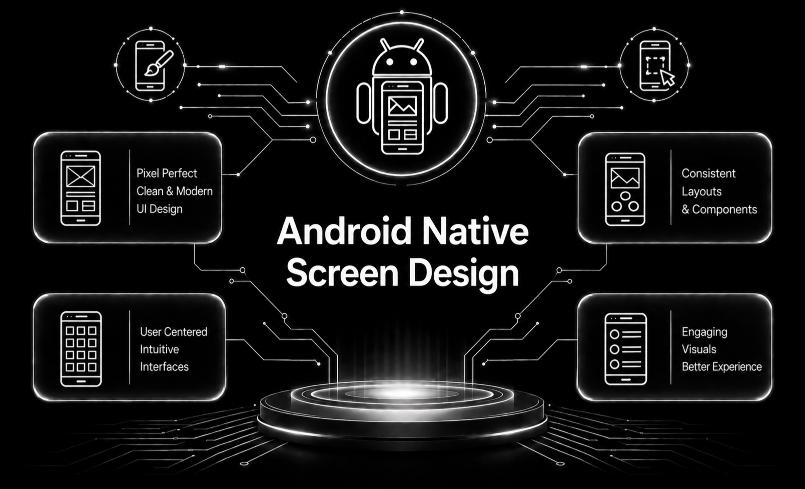
Android Native Screen Design
Built on Trusted Technologies
At Capnis, we work with modern, industry-trusted technologies that power fast development, strong security, and reliable performance across all projects.


Kotlin
Kotlin is a statically-typed programming language developed by JetBrains, known for its simplicity, conciseness, and interoperability with Java.

XML Layouts
Traditional layout language for building native Android UI screens using LinearLayout, ConstraintLayout, etc.
Figma
A UI/UX design platform used to create mockups, prototypes, and design systems for Android apps.
Adobe XD
A design tool for creating wireframes and interactive prototypes for native Android screens.

Zeplin
A handoff tool for exporting Figma/Sketch/XD designs into developer-friendly specs and assets.
LottieFiles
Tools for adding and previewing JSON-based vector animations in native Android screens.
Growing sales through exceptional services

Discover What We Deliver

Android Native Screen Design
Android Native App Redesign offers businesses the opportunity to breathe new life into their existing Android applications. As technology and user preferences evolve, it's essential for apps to stay fresh and relevant to maintain user engagement and satisfaction.Built for Your Business
Our services are designed to address real-world business challenges through a practical, results-driven approach. We focus on understanding your requirements, delivering reliable execution, and ensuring ongoing support to help your business operate efficiently and grow with confidence.
Capnis InfoTech Private Limited
Service Questions
It refers to designing app screens using native Android UI frameworks. Developers use Jetpack Compose or XML layouts to create functional, responsive screens.
It ensures smooth performance and a familiar Android look and feel. Native components behave consistently across all Android devices.
Jetpack Compose is the modern UI toolkit, while XML is the traditional approach. Designers typically create UI mockups using Figma, XD, or Sketch.

HyperLoom Dynamics – CEO: Serena Cale
Client“Capnis delivered beautifully crafted Android native screen designs that elevated our entire mobile experience. Their team created modern, intuitive layouts that perfectly matched our brand identity. Each screen was designed with precision, ensuring smooth navigation and excellent usability. Communication was seamless, with revisions handled quickly and professionally. We highly recommend Capnis for outstanding Android native screen design services.”
Request a quote
Three quick steps—your details, scope & timing, then budget. We route Android Native Screen Design requests to the right delivery lead with full context.