




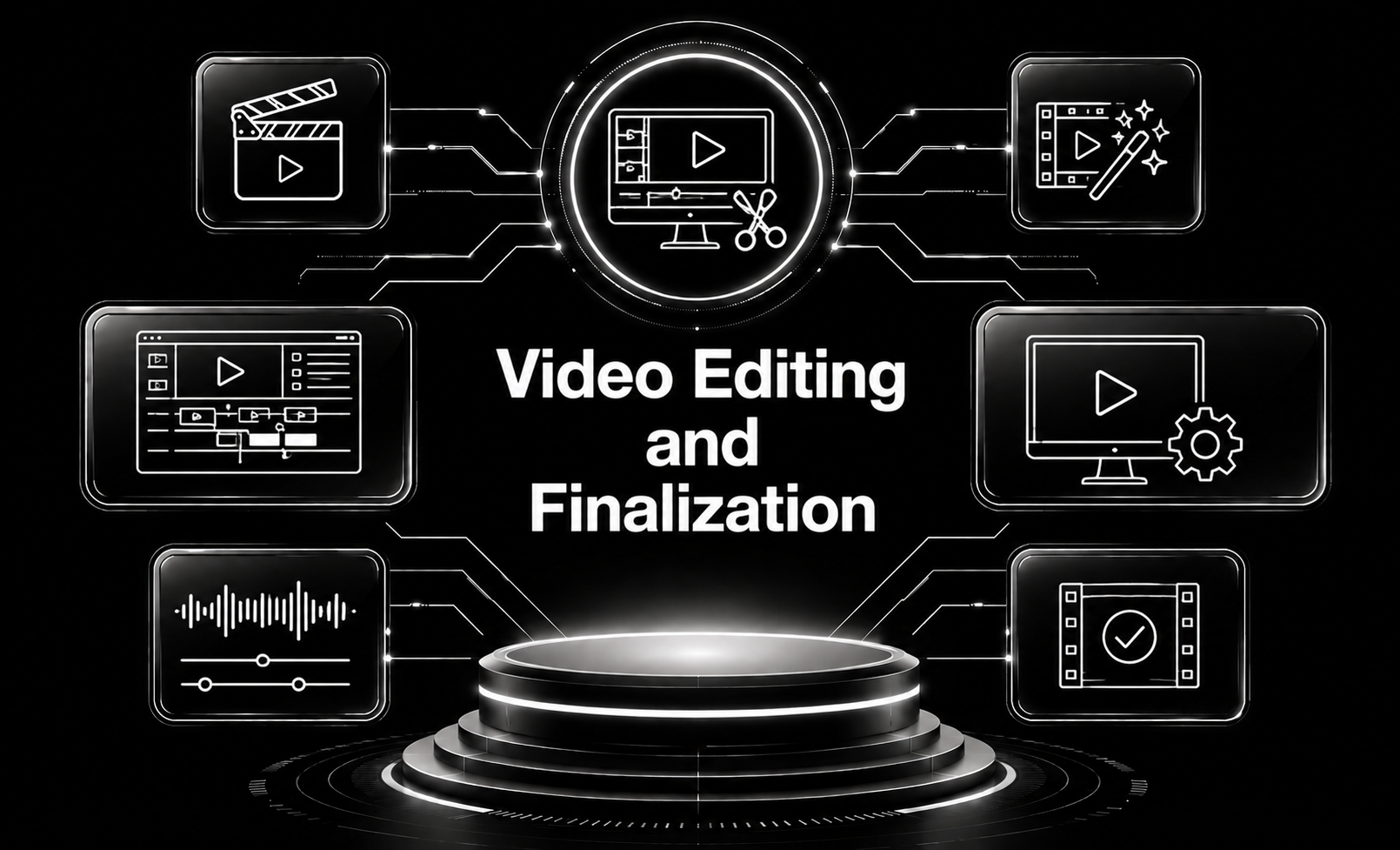
Video Editing and Finalization
Video Editing and Finalization focus on turning your recorded footage into a cohesive, visually compelling, and fully refined finished product.
Video editing includes selecting the best shots, arranging clips in a logical and engaging sequence, adjusting pacing, adding transitions, and enhancing visuals to support the story. This stage shapes the narrative, removes unnecessary content, and ensures smooth flow from start to finish.
Finalization brings professional polish through color correction and grading, sound leveling, noise reduction, music integration, and syncing voiceovers or dialogue. It also includes adding motion graphics, titles, captions, logos, animations, or special effects as needed. The process ensures the video meets technical specs for different platforms—such as YouTube, social media, websites, or broadcast.
With expert Video Editing and Finalization, your content becomes crisp, engaging, and ready for distribution—delivering a high-quality viewing experience that effectively communicates your message.
Built on Trusted Technologies
At Capnis, we work with modern, industry-trusted technologies that power fast development, strong security, and reliable performance across all projects.
Adobe Premiere Pro
Adobe Premiere Pro is a leading video editing software renowned for its comprehensive suite of editing tools and seamless integration with other Adobe Creative Cloud applications.
DaVinci Resolve
DaVinci Resolve is a powerful video editing and color grading software known for its advanced color correction and grading capabilities.
Avid Media Composer
Avid Media Composer is a leading video editing software used in the film and television industry for editing and finalizing video projects.
Final Cut Pro
Final Cut Pro is a professional video editing software developed by Apple Inc., designed for editing, refining, and finalizing video projects on macOS devices.

Adobe Media Encoder
Software for encoding, compressing, and exporting videos into various formats for final delivery.

Blender
Free 3D creation software used for animating, adding VFX, motion tracking, and generating 3D elements in videos.

Filmora
Beginner-friendly video editor with drag-and-drop effects, transitions, titles, and easy export options.

OBS Studio
Open-source recording and streaming tool used for capturing raw video footage for later editing.

Audacity
Audio editing tools for cleaning, enhancing, and mastering audio tracks in video projects.
Growing sales through exceptional services

Discover What We Deliver
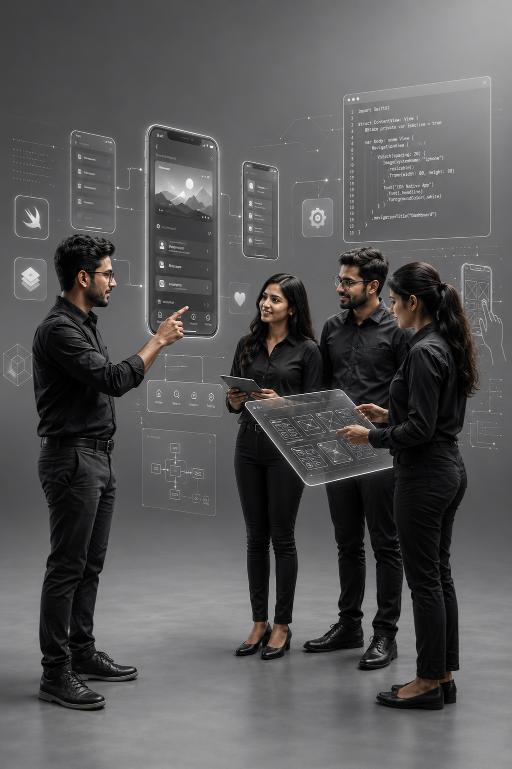
Video editing and finalization
Video editing and finalization are critical stages in the production process, where raw footage is transformed into a cohesive and compelling visual story.Built for Your Business
Our services are designed to address real-world business challenges through a practical, results-driven approach. We focus on understanding your requirements, delivering reliable execution, and ensuring ongoing support to help your business operate efficiently and grow with confidence.
Capnis Infotech Private limited

Service Questions
Video editing involves the process of assembling and arranging video footage, trimming clips, adding transitions, effects, and audio elements to create a coherent visual story. Finalization, on the other hand, refers to the last stage of the editing process where finishing touches such as color grading, audio mixing, and export settings are applied to prepare the video for distribution or presentation.
The time required to edit and finalize a video varies depending on factors such as the length of the footage, complexity of the project, desired level of polish, and the editor's proficiency with the editing software. Simple projects with minimal editing may take a few hours to complete, while more complex projects with extensive editing, special effects, and revisions may take several days or weeks.
While finalization typically marks the completion of the editing process, it is still possible to make minor adjustments or corrections to the video if necessary. Most video editing software allows users to reopen and re-edit projects even after they have been finalized, enabling them to make revisions, update content, or apply additional effects as needed.

NovaEdge Technologies – CEO: Lena Marquez
Client““Capnis delivered exceptional video editing and finalization that transformed our raw footage into a polished, professional product. Their team seamlessly blended visuals, audio, and effects to create a compelling final video. The attention to detail in transitions, pacing, and color correction was truly impressive. Communication was smooth throughout the process, with timely updates and revisions. We highly recommend Capnis for high-quality and reliable video editing and finalization services.””
Request a quote
Three quick steps—your details, scope & timing, then budget. We route Video Editing and Finalization requests to the right delivery lead with full context.