



Voiceover recording and sound effects
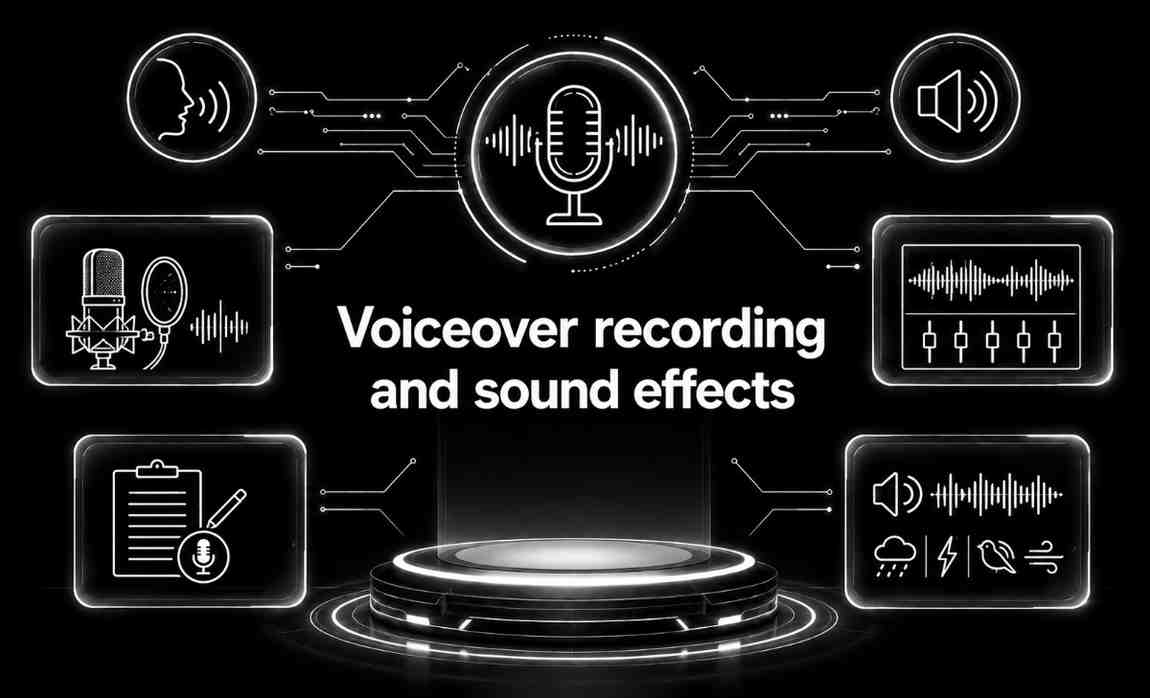
Voiceover recording and sound effects work together to elevate the overall quality and emotional impact of your video content.
Voiceover recording involves selecting the right voice talent, capturing clear and expressive narration, and ensuring tone, pacing, and delivery match your message and audience. Professional recording setups eliminate noise, improve clarity, and produce broadcast-quality audio. The voiceover helps guide viewers, explain concepts, and add personality to the video.
Sound effects (SFX) enhance immersion by adding auditory cues such as clicks, swooshes, ambience, transitions, and environmental sounds. These effects emphasize key moments, make movements feel more dynamic, and create a more engaging viewing experience. They also help reinforce actions, highlight product features, and support storytelling.
Together, voiceover recording and sound effects create a rich, polished audio experience that supports your visuals, improves communication, and keeps viewers captivated—resulting in a more professional and emotionally compelling final video.
Built on Trusted Technologies
At Capnis, we work with modern, industry-trusted technologies that power fast development, strong security, and reliable performance across all projects.
Audacity
Free audio recording and editing software with multitrack support and built-in effects.
Adobe Audition
Professional audio workstation for recording, mixing, noise reduction, and sound design.

Pro Tools
Industry-standard DAW used for professional voiceover production, editing, and mixing.
Logic Pro
Apple’s advanced DAW offering powerful recording, vocal processing, and sound-effect tools.

GarageBand
Beginner-friendly Mac recording tool with easy vocal recording and basic sound effects.

Reaper
Lightweight, affordable DAW with powerful customization and audio editing capabilities.
FL Studio
Popular DAW for music and effects creation, useful for custom SFX and sound beds.

iZotope RX
Advanced audio repair suite for removing noise, clicks, hums, and enhancing voiceovers.

OBS Studio
Recording software useful for capturing live voiceovers, streams, and synced audio sessions.
Growing sales through exceptional services

Discover What We Deliver
Sonic Storytelling
Exploring the Art of Voiceover Recording and Sound Effects
Behind the Mic
A Journey into Voiceover Recording and Sound Design
The Sound of Cinema
Captivating Audiences with Voice and SoundBuilt for Your Business
Our services are designed to address real-world business challenges through a practical, results-driven approach. We focus on understanding your requirements, delivering reliable execution, and ensuring ongoing support to help your business operate efficiently and grow with confidence.
Capnis InfoTech Private Limited

Service Questions
Voiceover recording involves the process of recording spoken narration or dialogue to accompany visual content, such as films, animations, commercials, or video games. It is important because it adds depth, context, and emotion to visual storytelling, helping to convey information, engage audiences, and enhance the overall viewing experience.
Professional voiceover recording is beneficial for a wide range of projects, including commercials, documentaries, audiobooks, e-learning courses, corporate videos, video games, and animations. Any project that requires narration, character dialogue, or spoken instructions can benefit from professional voiceover services.
Voiceover recording involves recording new dialogue or narration to accompany existing visual content, while dubbing involves replacing the original dialogue or narration in a foreign language or for localization purposes. Voiceover recording is typically used for narration, character voices, or informational content, while dubbing is used to match lip-sync and convey the original meaning of the dialogue.

Everline Pharmaceuticals – CEO: Victor Holmes
Client““Capnis delivered exceptional voiceover recording and sound effects that elevated the impact of our video content. Their team provided clear, professional audio paired with immersive, high-quality sound design. Every element complemented our visuals perfectly, enhancing the overall storytelling experience. Communication was smooth throughout, with timely revisions and expert guidance. We highly recommend Capnis for professional and high-quality voiceover recording and sound effects services.””
Request a quote
Three quick steps—your details, scope & timing, then budget. We route Voiceover recording and sound effects requests to the right delivery lead with full context.